Give clients a focused view of the plan.
Publish selected planning items and requests into an event-specific client portal while the team’s internal workspace stays private.
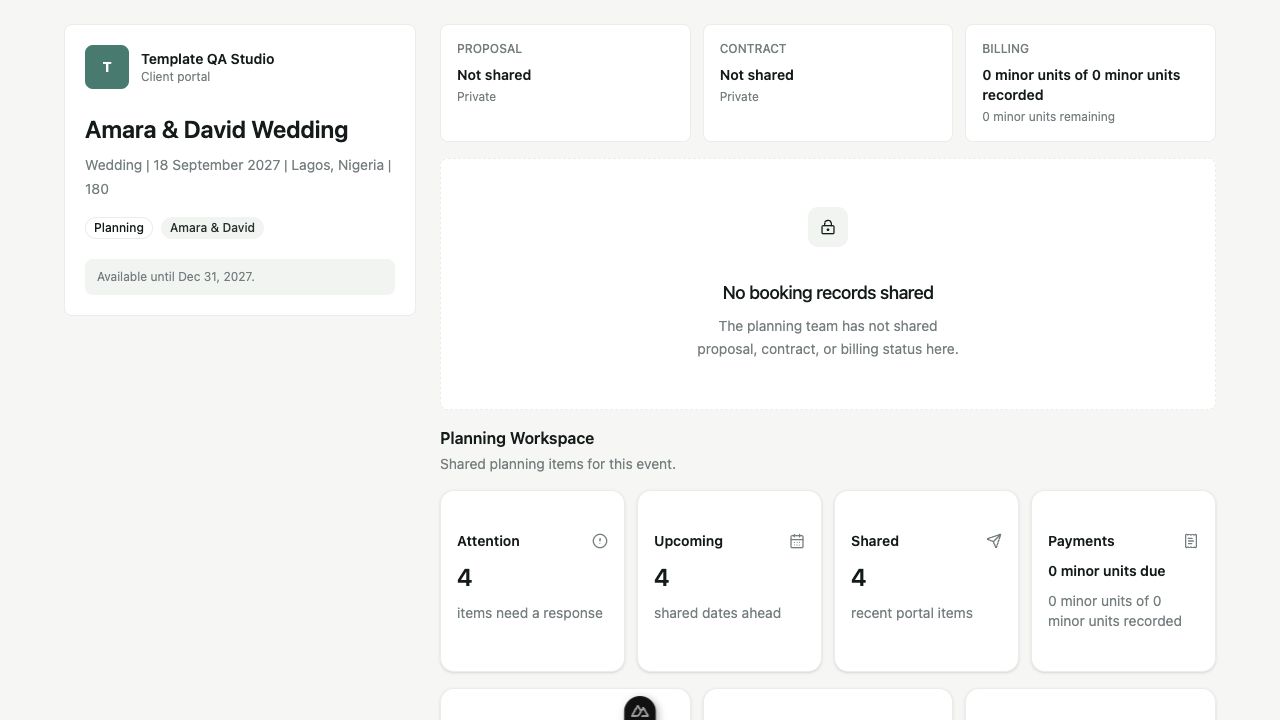
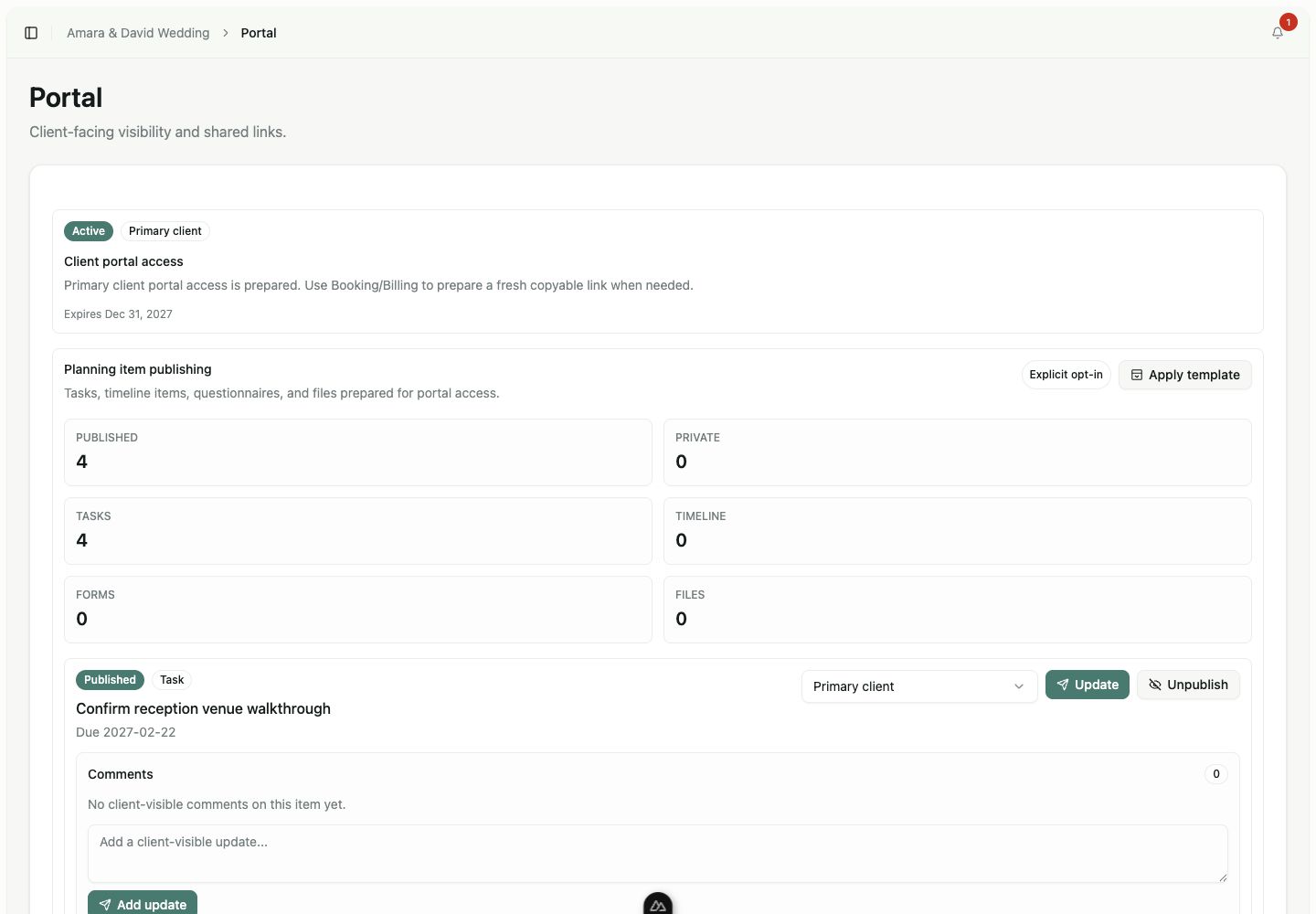
The planner decides what leaves the workspace.
Tasks, timeline items, questionnaires, and files begin private. The team publishes individual records to the intended client audience when they are ready.
Updates and client-visible comments stay attached to the published record, so the shared conversation remains traceable from the internal plan.
Share with intention, not by accident.
Portal access is scoped to the event and does not turn clients into members of the planning business workspace.
Private by default
New planning records do not appear in the portal until the team publishes them.
Event-specific access
Access belongs to one event and expires or can be revoked without adding a workspace member.
Defined audiences
The primary client, collaborators, or one assigned person can receive the right item.
Limited booking links
Proposal, contract, and billing status can be shared separately from the whole planning workspace.
Give every shared item a clear client action.
The portal is a focused collaboration surface—not a second copy of the planner’s dashboard.
- 01
Complete requests
Clients can mark an allowed request complete when the published item supports completion.
- 02
Add comments
Comments remain attached to the shared task, date, file, or questionnaire context.
- 03
Upload and respond
Published file and questionnaire workflows can accept the specific upload or response requested.
- 04
Follow the next step
Attention and upcoming sections bring the client back to the records needing action.
Client collaboration without exposing internal operations.
The portal provides
- Selected client-facing planning records
- Event-specific access with expiration and revocation
- Client comments, allowed completion, uploads, and responses
The portal is not
- Business workspace membership for clients
- Automatic sharing of every event record
- A vendor portal or vendor marketplace
Related workflows
Continue through the connected operation.
Keep clients informed without giving away the whole workspace.
Publish the right request, date, file, or status when it is ready for client action.